Once you have created a parking permit, you can always go back to
45-47sheppard.parkingpermit.zone
to manage your permit.
Manage My Permit
Log in to your account
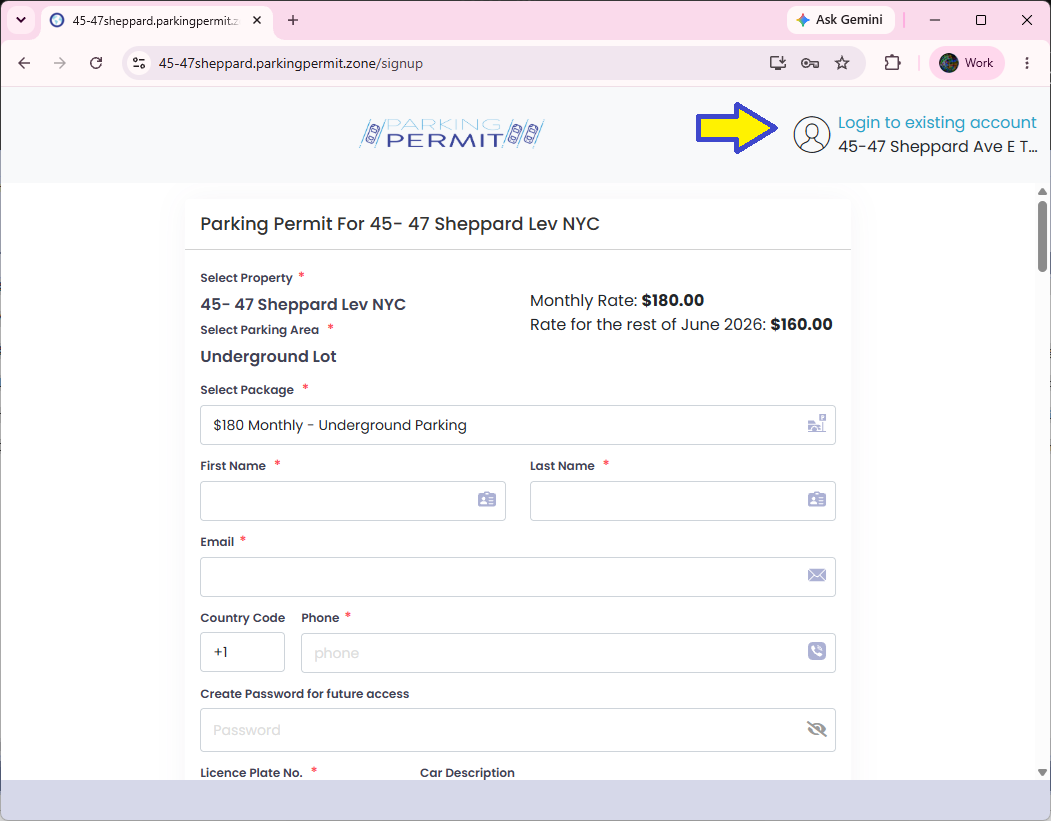
From the parking permit page, select “Login to existing account” in the top-right corner.
Enter your username and password
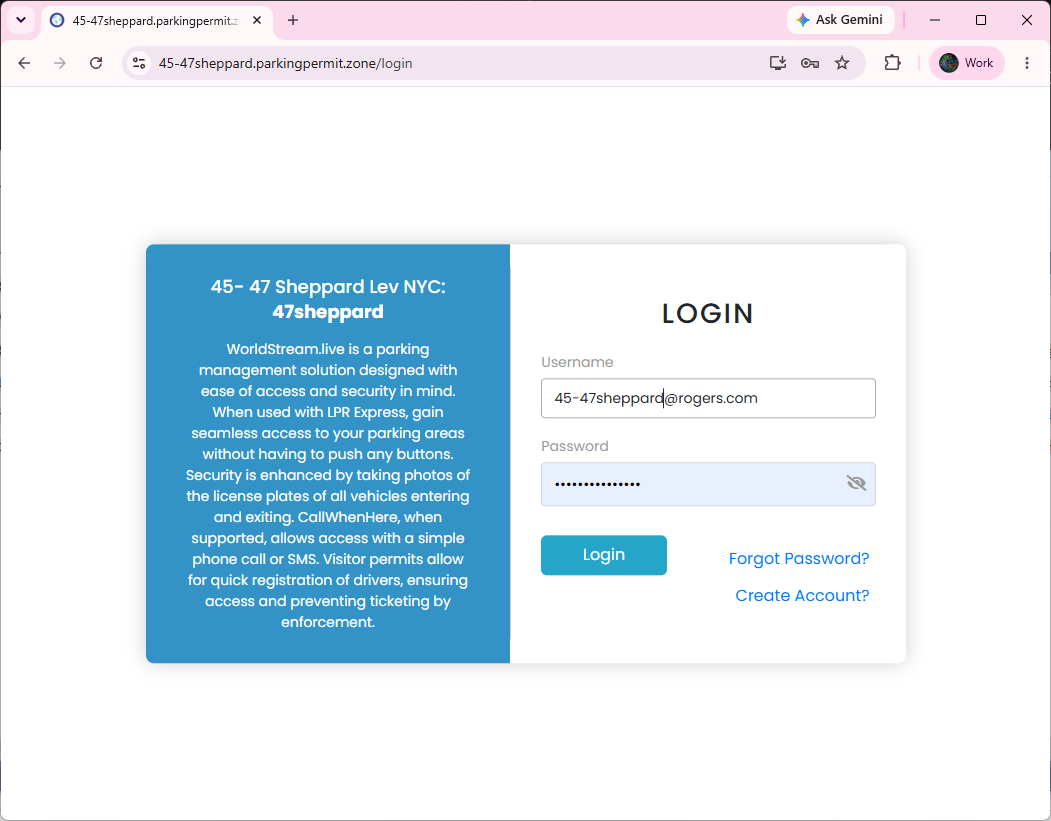
Type the username (your email) and password you created when you registered, then click Login.
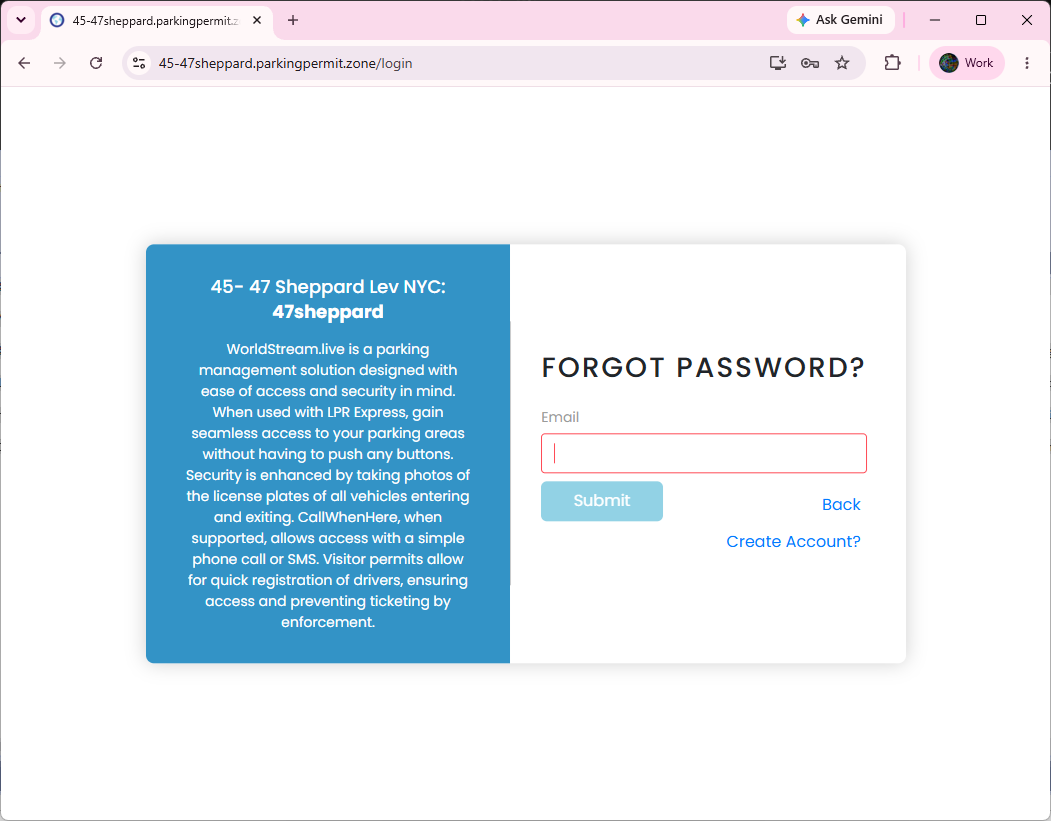
Forgot your password?
If you forget your password, click “Forgot Password?” and enter your email. A temporary password will be sent to you.
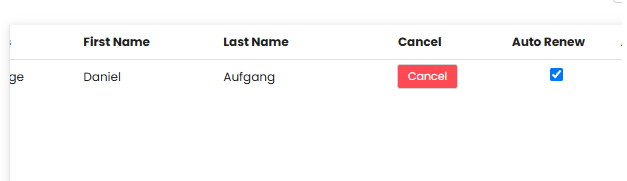
Manage automatic renewal
Once logged in, check or uncheck the “Auto Renew” checkbox to manage automatic renewal of your permit at the start of each month.
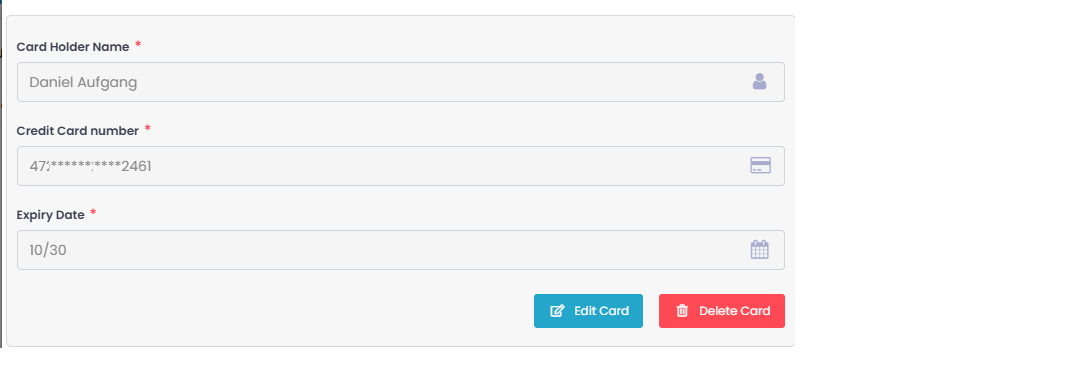
Change your credit card
To change your credit card number, delete your current card with “Delete Card” and then add the new one.
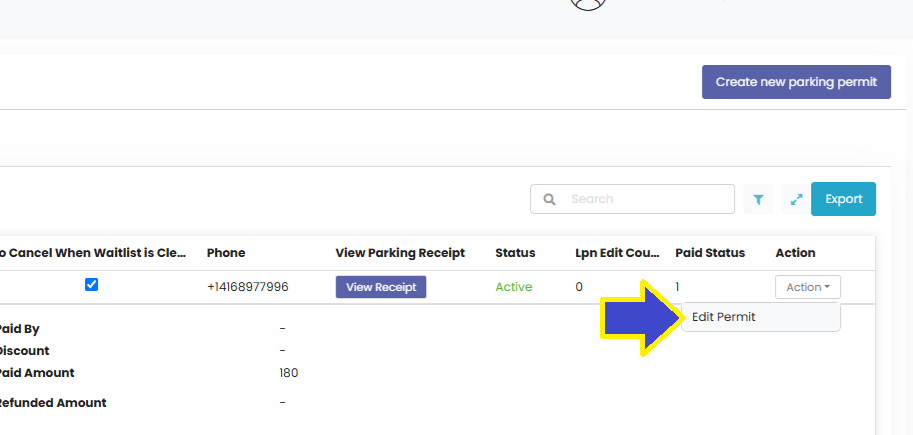
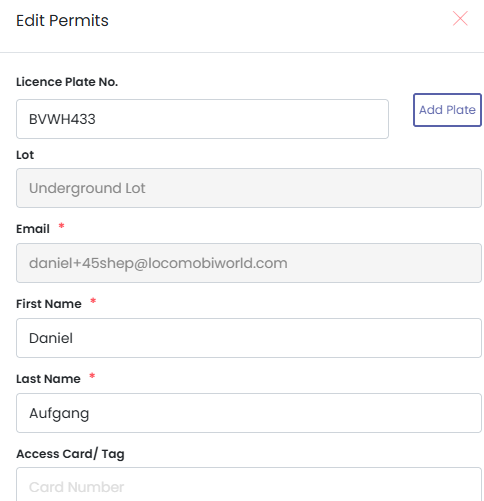
Edit your permit and add plates
Open the Action menu and choose “Edit Permit”. You can add up to three licence plates using “Add Plate”. Please note that only one vehicle may be used per day.